How to use these templates: Click "Use This" to open PhenaSpin with that image preloaded, or upload your own disc image. Every setting is adjustable: spin speed, direction, and frame count.
Example Disc Images
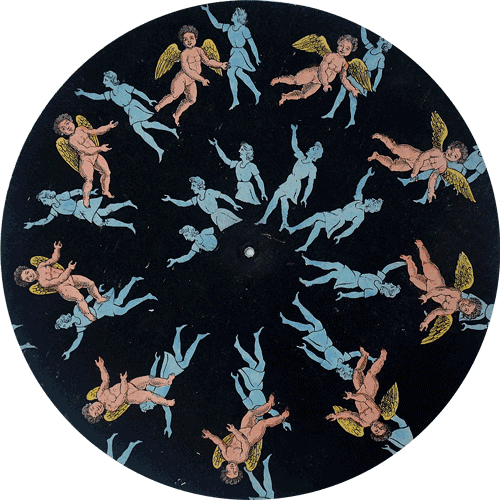
Example 1
Use This →
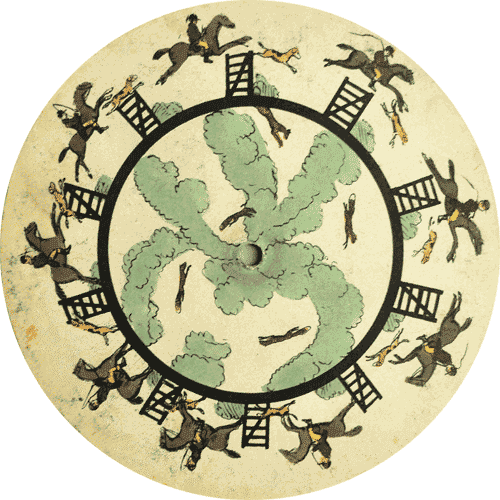
Example 2
Use This →
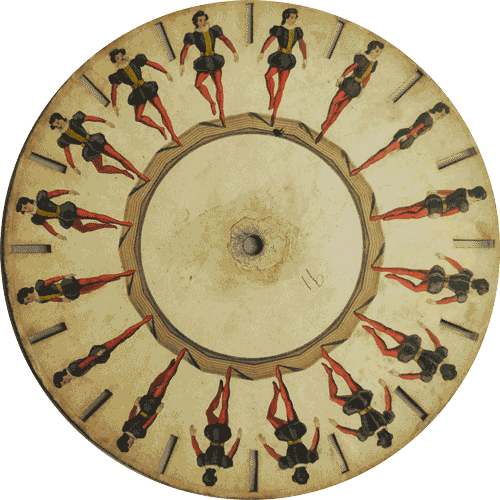
Example 3
Use This →
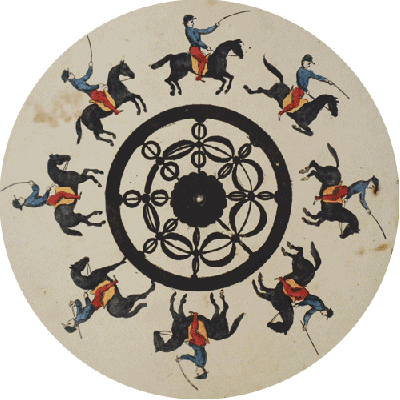
Example 4
Use This →
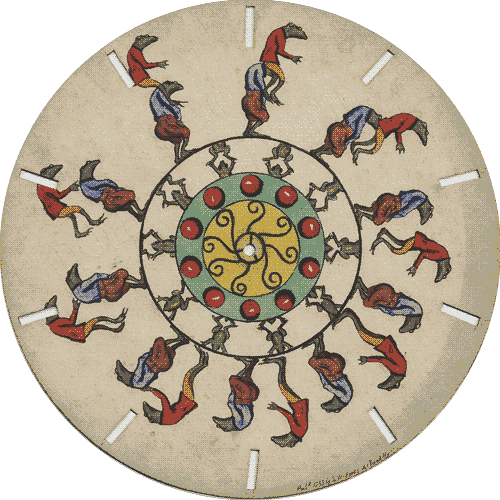
Example 5
Use This →
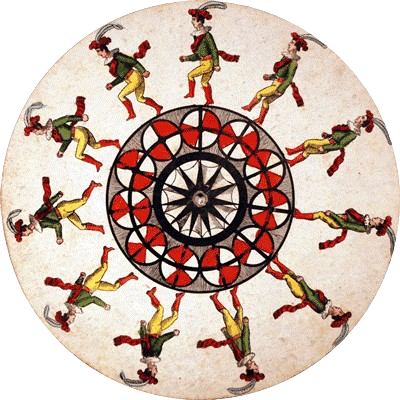
Example 6
Use This →
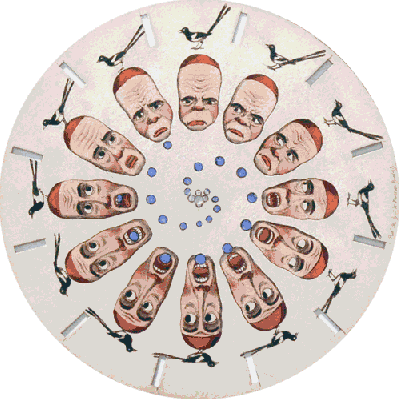
Example 7
Use This →
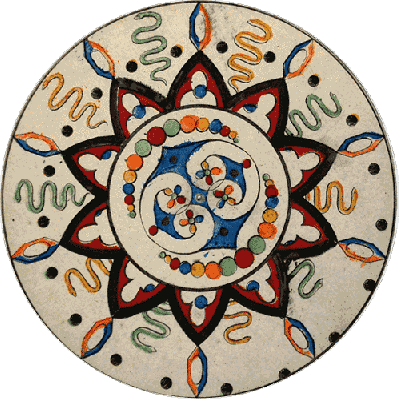
Example 8
Use This →
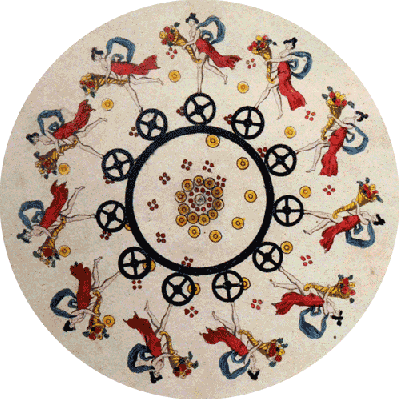
Example 9
Use This →
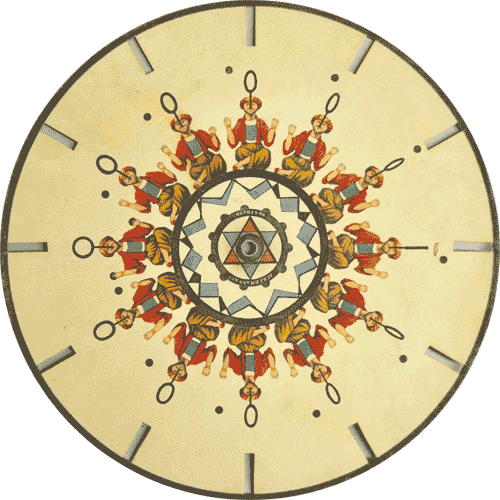
Example 10
Use This →
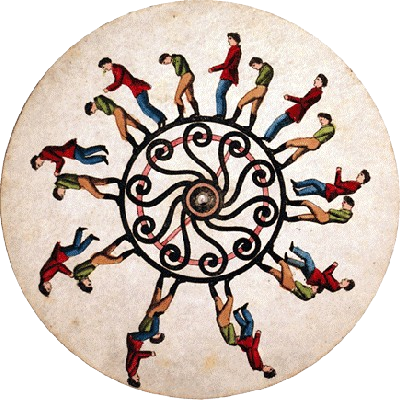
Example 11
Use This →
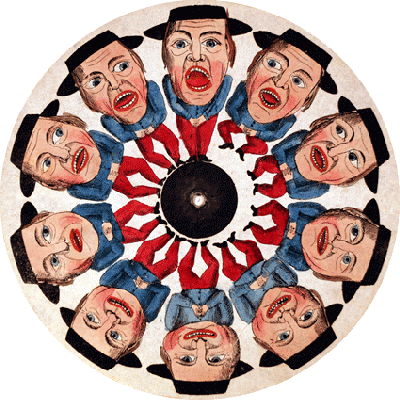
Example 12
Use This →
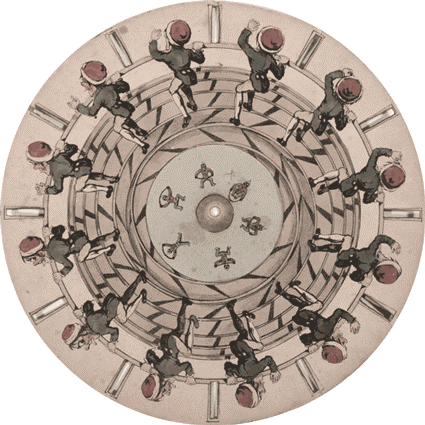
Example 13
Use This →
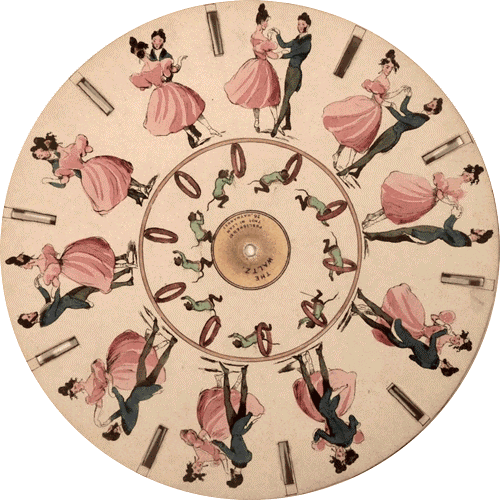
Example 14
Use This →
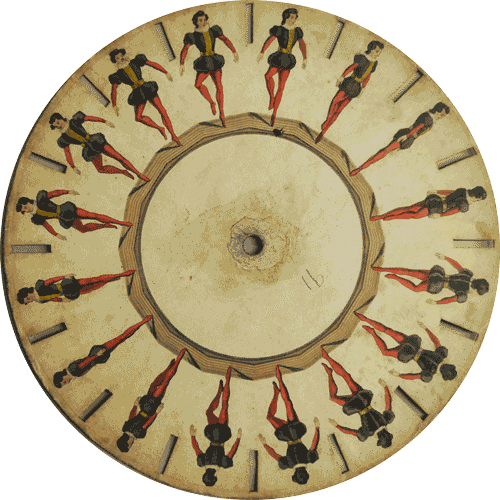
Example 15
Use This →
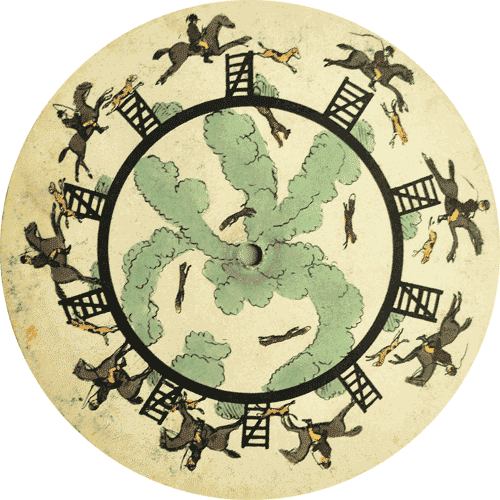
Example 16
Use This →
What Makes a Good Phenakistoscope Image?
Not every image works equally well. These types tend to produce the most striking results:
- Mandalas and radial designs: their natural symmetry amplifies beautifully when spun
- Portraits and faces: create an uncanny, hypnotic result
- Flowers and nature close-ups: feel organic and alive when spinning
- Abstract digital art: bold colors and shapes create vivid motion
- Logos and icons: clean graphics spin crisply with no artifacts
- Photographs with a clear subject: the subject becomes the focal point of the spin
Tips for Getting the Best Results
- Match the frame count to your disc sections: for a seamless loop, set frame count equal to the number of radial sections in your disc image
- Try counterclockwise spin: it often feels more natural and hypnotic than clockwise
- Slower speed = more elegant: around 20–40 RPM tends to look more artistic
- Higher frame count = smoother motion: 24 frames gives cinema-quality smoothness
Create Your Own Spinning Animation
Upload an image to PhenaSpin now and see it spin into a looping MP4 animation. Free, instant, no account needed.
Open PhenaSpin Free →