Ready to make your animation?
Jump straight into the tool, upload an image and see it spin in seconds.
Open PhenaSpin Free →How to Make a Phenakistoscope Animation
PhenaSpin is designed to be fast. From upload to exported MP4 in under 2 minutes. Here's the full process:
Upload your image
Click the upload area and select a PNG or JPG. Phenakistoscope disc images with evenly divided radial sections produce the best seamless loop. Your image is processed entirely in your browser; it never gets sent to any server.
Choose your spin speed and direction
Use the speed slider to control how fast the disc rotates (measured in RPM). Toggle between clockwise and counterclockwise. Slower speeds feel meditative; faster speeds feel energetic.
Preview live and adjust
Your animation plays in real time as you tweak settings. No need to render or wait. What you see is what you get.
Export as MP4
When you're happy, click Export. PhenaSpin renders your animation as a seamless looping MP4 video. The free export includes a small watermark; the premium one-time license removes it.
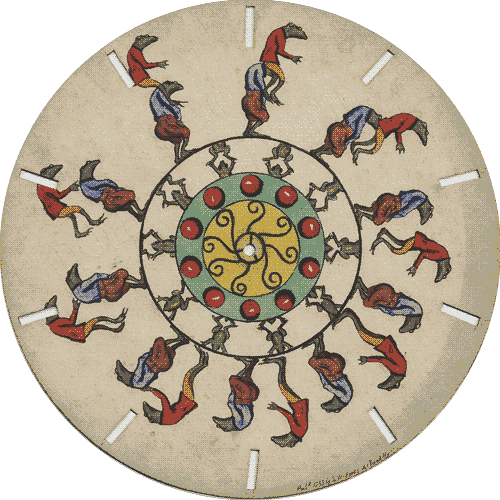
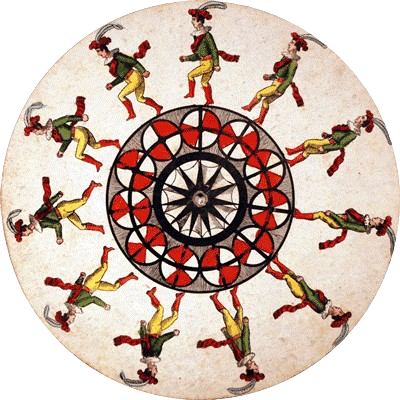
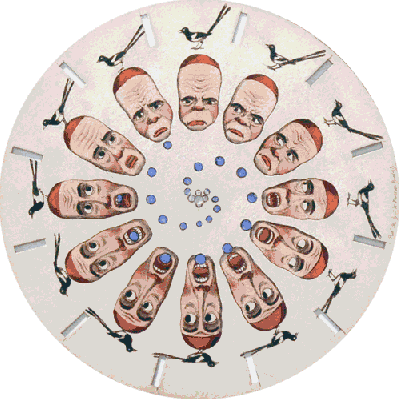
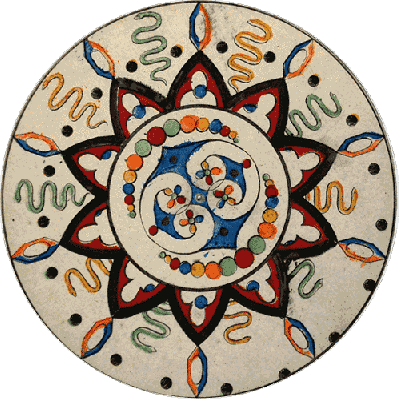
Tip: For a seamless loop, use a phenakistoscope disc image with evenly divided radial sections, and set the frame count to match the number of sections. Other images can still create interesting spinning effects, but the loop may not be seamless. Browse the free disc image templates to get started quickly.
Example Disc Images
What Images Work Best?
- Mandalas and circular art: naturally suited to the radial symmetry of the effect
- Portraits and faces: create an uncanny, mesmerizing result
- Nature photos: flowers, leaves, and fractals look organic and alive
- Abstract digital art: bold colors and shapes create vivid motion
- Logos and icons: clean graphics spin crisply with no artifacts
Free vs. Premium
- Free: Full access to all settings, unlimited previews, export MP4 with watermark
- Premium (one-time payment): Export MP4 without watermark, unlocked with a license key
There is no subscription. Pay once and export unlimited videos with the watermark removed.
Frequently Asked Questions
Does PhenaSpin work on mobile?
Yes. PhenaSpin is fully responsive and works on phones and tablets as well as desktops. The experience is optimized for all screen sizes.
Is my image uploaded to a server?
No. All processing happens locally in your browser. Your image never leaves your device. This makes PhenaSpin completely private.
What video format does PhenaSpin export?
PhenaSpin exports MP4 (H.264), which is compatible with Instagram, TikTok, Twitter/X, YouTube Shorts, and virtually every other platform and device.
How long does the export take?
Export typically takes 5–30 seconds depending on your device and the number of frames. All rendering happens in your browser using WebAssembly. No waiting for a server.
What is the frame count setting?
Frame count controls the number of animation frames in one full revolution. Higher frame counts produce smoother animation but larger file sizes. For most images, 12–24 frames produces a great result.
Can I use PhenaSpin for commercial projects?
Yes, animations you create with PhenaSpin belong to you. Use them however you like, including for commercial content.
Start Making Your Spinning Animation
Free, instant, no account required. Upload your image and see the phenakistoscope effect in seconds.
Open PhenaSpin Free →Not sure what a phenakistoscope is? Read the full history and explanation →